


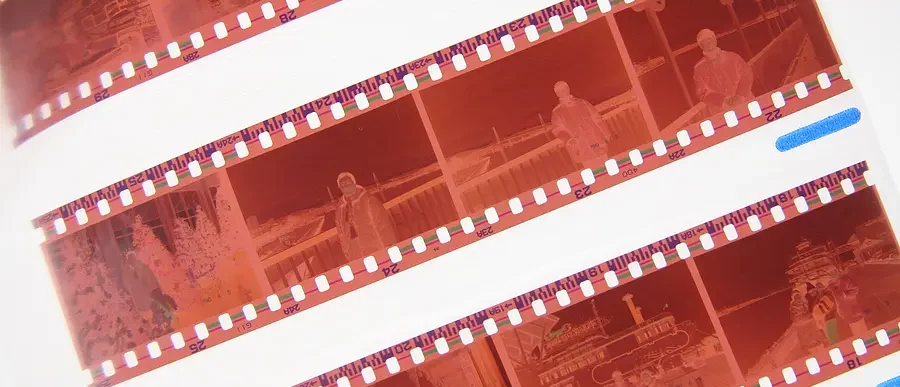
Microfilm and microfiche always seem to be found in the periodical section of your local library. It was once considered the easiest way to efficiently store large volumes of documents like newspapers, magazines, or documents that are rare, fragile, or valuable. Digitize microfilm and microfiche to modernize your data collection and benefit your business.
Generally categorized as microform, microfilm, and microfiche are “pictures” of a document that is stored on photographic film. It’s a publication method that helps reproduce documents in a compact form. Microfilm images are very stable, and usually have a shelf life of around 500 years as long as you store them correctly.
Pros and Cons of Digitizing Microfilm
There are drawbacks to using microfilm as your primary method of backup and data storage. One of the main disadvantages is the fact that it requires physical proximity to the documents, and special equipment to reproduce and view them.
As the cost of digital storage has continued to plummet, it makes sense to scan and digitize microfilm by using microfilm management services. These digital records are shareable seamlessly across organizations and long distances.
You can find documents quickly without needing a physical search. It is easier to back up digital records offsite with a cloud storage service or tape rotation. The added benefit of digital backups and microfilm management services is that access control is also easier for electronic records.
The Most Common Types of Microform
Three common formats of microfilm are in use universally throughout the country:
| Format Type | Description |
| Microfilm | This is a roll of photographic images, similar to a reel of movie film. The standard sizes are 16mm and 35mm. Engineering drawings generally use 35mm and letter-size documents use 16mm. The storage capacity for a roll of film is 2,400 letter-size pages or 600 drawings. |
| Aperture Cards | These are also known as Hollerith cards. This is a 35mm chip of microfilm embedded in a punch card. Engineering drawings commonly use this format. The punch card has a code with the indexing information for the enclosed image. Using a punch card allows for the mechanical sorting of the drawings. The capacity is one drawing per card. |
| Microfiche | This is a flat sheet of microfilm. The standard format is 4×5 inches. The average sheet of microfiche holds 98 letter-sized pages. |
What is the Process to Digitize Microfilm?
There are a number of steps involved in microfilm digitization. Let’s break them out.
Assessment and Consultation
The process often begins with an assessment of your needs. The service provider will determine the type of microfilm you want to digitize, the volume of records, and the specific requirements for digitization. This may include understanding the type of microfilm (e.g., 16mm, 35mm, aperture cards), the condition of the microfilm, and the desired format for digitized records.
Collection Pickup or Shipment
Your service provider will either pick up the microfilm or have you ship it to their facility. Secure packaging and handling procedures are essential to prevent damage during transit.
Cleaning and Preparation
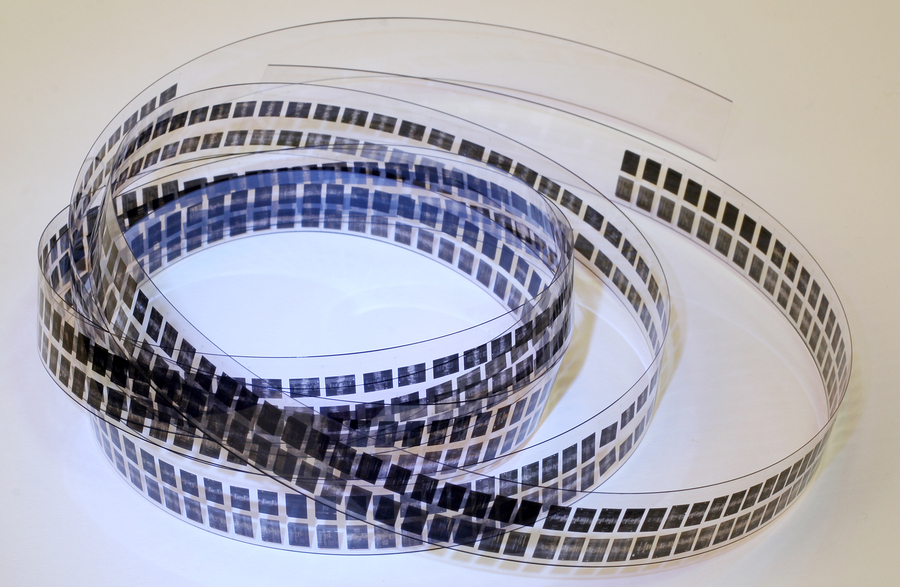
Upon receipt, the service provider will carefully inspect and clean the microfilm to ensure it’s in optimal condition for scanning. This may involve removing dust, dirt, and debris.
Digitizing the Microfilm
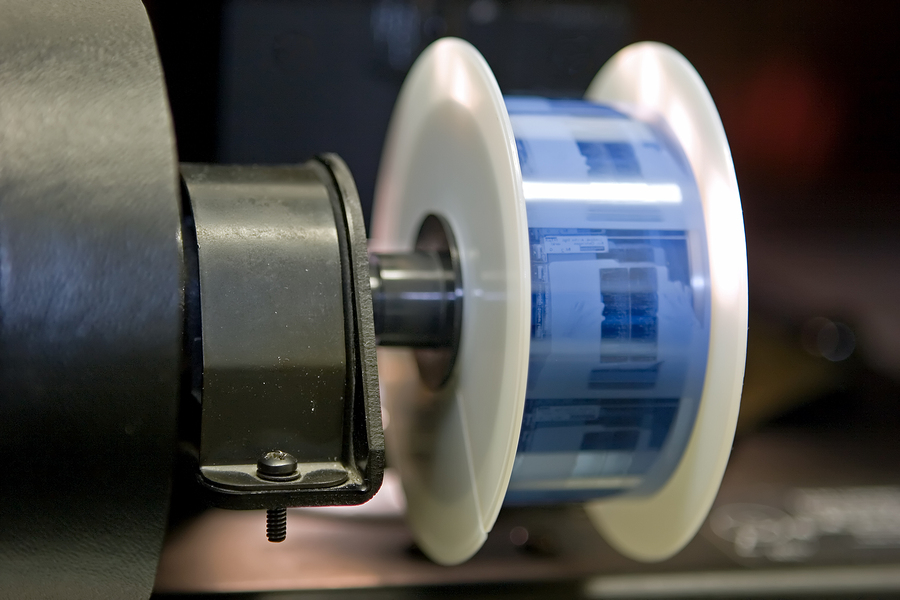
Professional technicians load the microfilm onto high-quality microfilm scanners. These scanners have the necessary hardware and software for scanning microfilm. Scanning parameters, such as resolution, contrast, and file format, are configured to meet your needs.
Then, the microfilm is digitized frame by frame, creating high-resolution digital images. Depending on the type of microfilm and the scanning process, the service provider may capture individual frames or entire rolls of microfilm.
Quality Control and Enhancement
After scanning, the digital images undergo quality control processes. Technicians review the images to ensure clarity, legibility, and proper alignment. They may enhance the images by adjusting contrast, and brightness, and removing artifacts.
Indexing and Metadata
The service provider may add metadata and indexing information to the digitized records, making them easily searchable and retrievable. This could include information such as dates, document types, and other relevant details.
File Organization and Storage
The digitized microfilm images are organized into a logical file structure or database, labeled appropriately, and stored securely. Additionally, redundant backup systems are often in place to protect against data loss.
Secure Return or Storage
If you choose to receive your microfilm back from your service provider, they can securely return it to you. Alternatively, you may choose to store the microfilm securely at the service provider’s facility.
Contact Us To Digitize Microfilm or Microfiche Today!
With our microfilm and microfiche management services, our experts can transform any of these types into a digital format using a special scanner. Besides, they have better indexing than their paper document counterparts. This reduces the scanning cost per image, with less manual preparation required.
To get started, fill out the form, use the live chat, or give us a call at (866) 385-3706. Within minutes of receiving your request, you will have free quotes from experts in your area who can help you with digitizing your microfilm and microfiche documents.