



From work to entertainment, we rely heavily on computers to perform a multitude of tasks. However, with great power comes great responsibility. Many users inadvertently make common mistakes that can compromise the performance, security, and longevity of their computers.
In a time where laws exist to protect the integrity of customer and business data, it’s important for organizations to put the effort into protecting the information they handle.
In this post, we will explore the top 10 common computer mistakes people make and offer solutions to help you avoid them.
1. Neglecting Software Updates
One of the most common mistakes users make is ignoring software updates. Whether it’s the operating system, antivirus software, or applications, updates are crucial for improving performance, fixing bugs, and patching data security vulnerabilities. Failure to update regularly can leave your computer susceptible to malware and other cyber threats.
Solution: Enable automatic updates for your operating system and regularly check for updates for third-party applications. This simple habit can significantly enhance your computer’s security and performance.
2. Ignoring Backups
Many users only realize the importance of backups when it’s too late. Whether due to hardware failure, accidental deletion, or a malicious attack, data loss can be devastating. Having a disaster recovery plan in place can also be helpful in mitigating damage and risk in the event of a disaster. Neglecting to plan for and back up your important files is a critical mistake that can result in irreversible consequences.
Solution: Set up automatic backups or create manual backups regularly. Cloud storage services, external hard drives, or dedicated backup software are excellent options to safeguard your data.
3. Overlooking Antivirus Protection
In the ever-evolving landscape of online threats, having reliable antivirus software is non-negotiable. Some users mistakenly believe they can navigate the internet safely without adequate protection, putting their computers at risk of viruses, ransomware, and other malicious attacks.
Solution: Invest in reputable antivirus software and keep it updated. Regularly perform full system scans to ensure your computer remains free of malware.
4. Opening Suspicious Emails and Links
Phishing attacks are on the rise, and one of the most common entry points for malware is through suspicious emails and links. Clicking on links or downloading attachments from unknown sources can lead to infections and compromise your personal information.
Solution: Exercise caution when receiving emails from unfamiliar sources. Avoid clicking links or downloading attachments unless you can verify the sender’s legitimacy. Use email filtering tools to help identify potential threats.
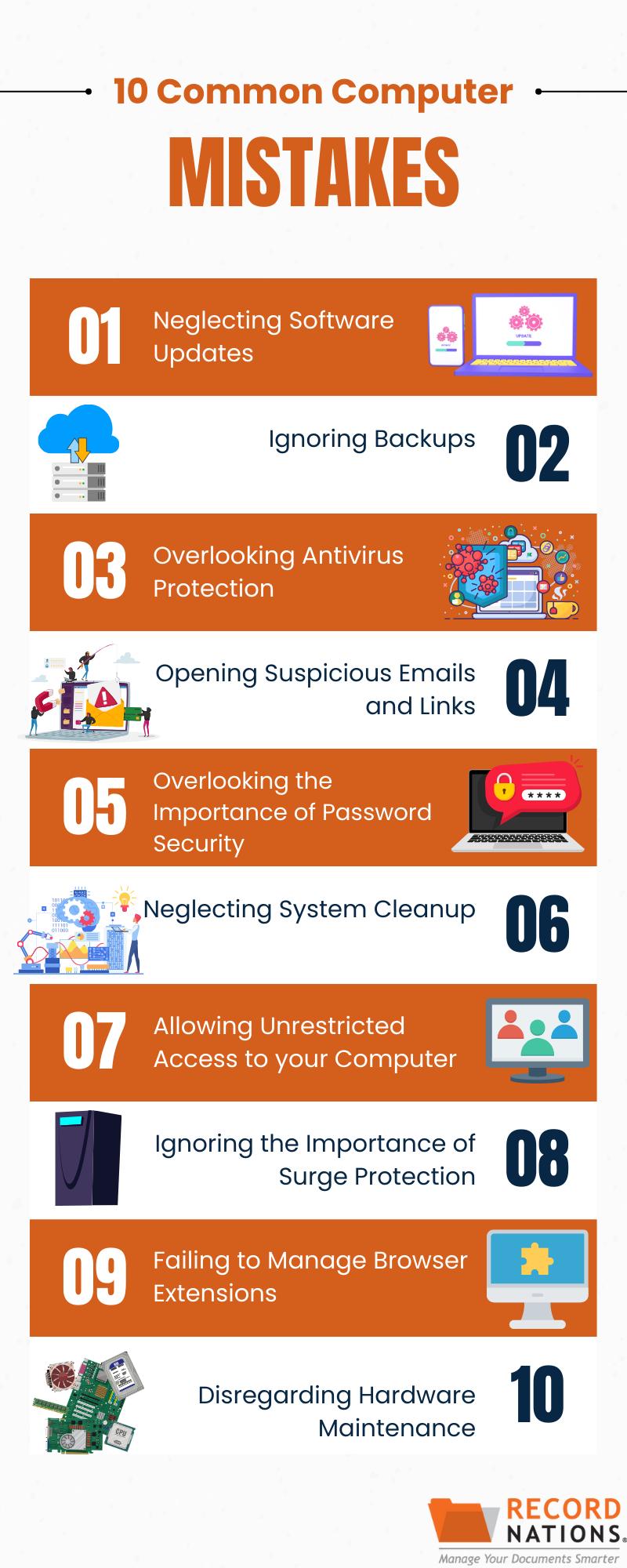
5. Overlooking the Importance of Password Security
Using weak passwords or reusing them across multiple accounts is a prevalent mistake. Weak passwords make it easier for attackers to gain unauthorized access to your accounts, compromising sensitive information.
Solution: Create strong, unique passwords for each of your accounts. Consider using a password manager to generate and store complex passwords securely.
6. Neglecting System Cleanup
Over time, computers accumulate unnecessary files, applications, and temporary data that can slow down performance. Failing to regularly clean up and optimize your system can lead to sluggishness and reduced efficiency.
Solution: Perform regular system cleanups by uninstalling unused applications, deleting temporary files, and organizing your data. Consider using system optimization tools to automate the process.
7. Allowing Unrestricted Access to Your Computer
Leaving your computer unattended without password protection or allowing others to use it without restrictions poses a security risk. Unauthorized access can lead to data breaches or unintended changes to your system settings.
Solution: Set up password protection, configure access controls where possible, and enable screen locking to prevent unauthorized access. Be cautious about who has physical access to your computer.
8. Ignoring the Importance of Surge Protection
Power surges and outages can wreak havoc on your computer’s hardware. Neglecting to use surge protectors or uninterruptible power supplies (UPS) puts your system at risk of damage.
Solution: Invest in a quality surge protector and, if possible, use a UPS to safeguard your computer from power fluctuations and outages.
9. Failing to Manage Browser Extensions
While browser extensions can enhance your online experience, having too many or using outdated ones can lead to compatibility issues and security vulnerabilities.
Solution: Regularly review and update your browser extensions. Remove any unnecessary or outdated ones to make sure you have a smooth and secure browsing experience.
10. Disregarding Hardware Maintenance
Hardware components, such as fans and hard drives, require regular maintenance to function optimally. Overlooking hardware maintenance can lead to overheating, reduced performance, and even hardware failure.
Solution: Clean your computer’s hardware components regularly, ensuring fans are free of dust, and check for any signs of wear or malfunction. Consider upgrading and replacing hard drives and other hardware components when necessary.
Avoid These Common Computer Mistakes Today
By using these computer-related tips for your business, you can avoid the risks associated with common computer mistakes. By doing this, you can significantly enhance your digital experience, ensuring better performance, security, and longevity for your machine. Upgrade your computer habits today and enjoy a seamless, secure, and efficient computing experience.
Record Nations has a nationwide network of records management professionals who can help modernize your records with document scanning, secure cloud storage, document management systems, and more.
Give Record Nations a call at (866) 385-3706 or fill out the form to discover the benefits of cloud storage services for your computer.