


External hard drives have been revolutionary when it comes to storing and retrieving data. They have increased in capacity while decreasing in size and price, and now offer some very sophisticated solutions to protect your data in case your wallet-sized hard drive gets misplaced or stolen.
When an external hard drive is stolen, you face two different challenges. The first is ensuring that the data is protected from cybercriminals. The second is making sure that you do not lose important data or projects that you have backed up to the drive.
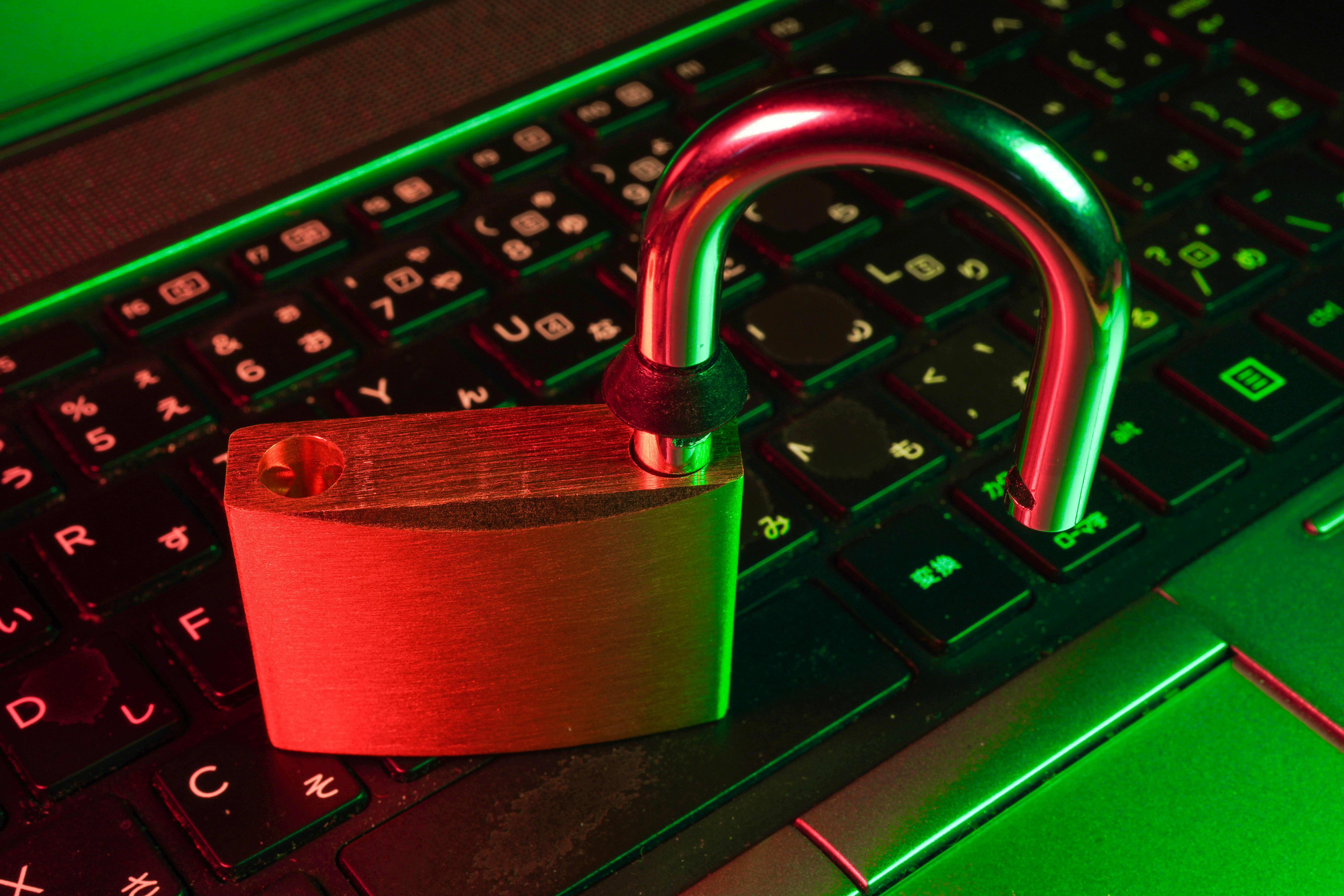
Having your data compromised for any reason can be catastrophic for you and your business. This is why it’s crucial to make sure you’re prepared with encryption strategies for your external hard drives.
Protecting Business Data and External Hard Drives
It’s pretty easy to steal an external hard drive, especially when they are stored in plain sight in an office. More traditional security systems and methods can be a great first line of defense to protect you and your company from theft, including:
- Setting up a security checkpoint system at your office that makes it more difficult for non-employees to access the computers and areas that people work.
- Having workers sign people in and out and accompany them while on your property.
- Setting up your external hard drives so that they are not in plain sight on the desk to prevent a casual thief from finding it.
- Carefully monitoring when any employees take a drive home so that if something happens, you can identify a breach immediately.
These steps will help safeguard against potential theft in the office. The next step is to ensure that your data is secure even if someone gets a hold of your external hard drive.
Prioritize Encryption
Encryption is the key to protecting the data on your hard drives. You can choose an encryption program that will make it more difficult for the thief to access the information, and prevent anyone who might find your portable drive from accessing it easily. Encryption will likely protect you from criminals looking for the quick buck by selling the hard drive itself.
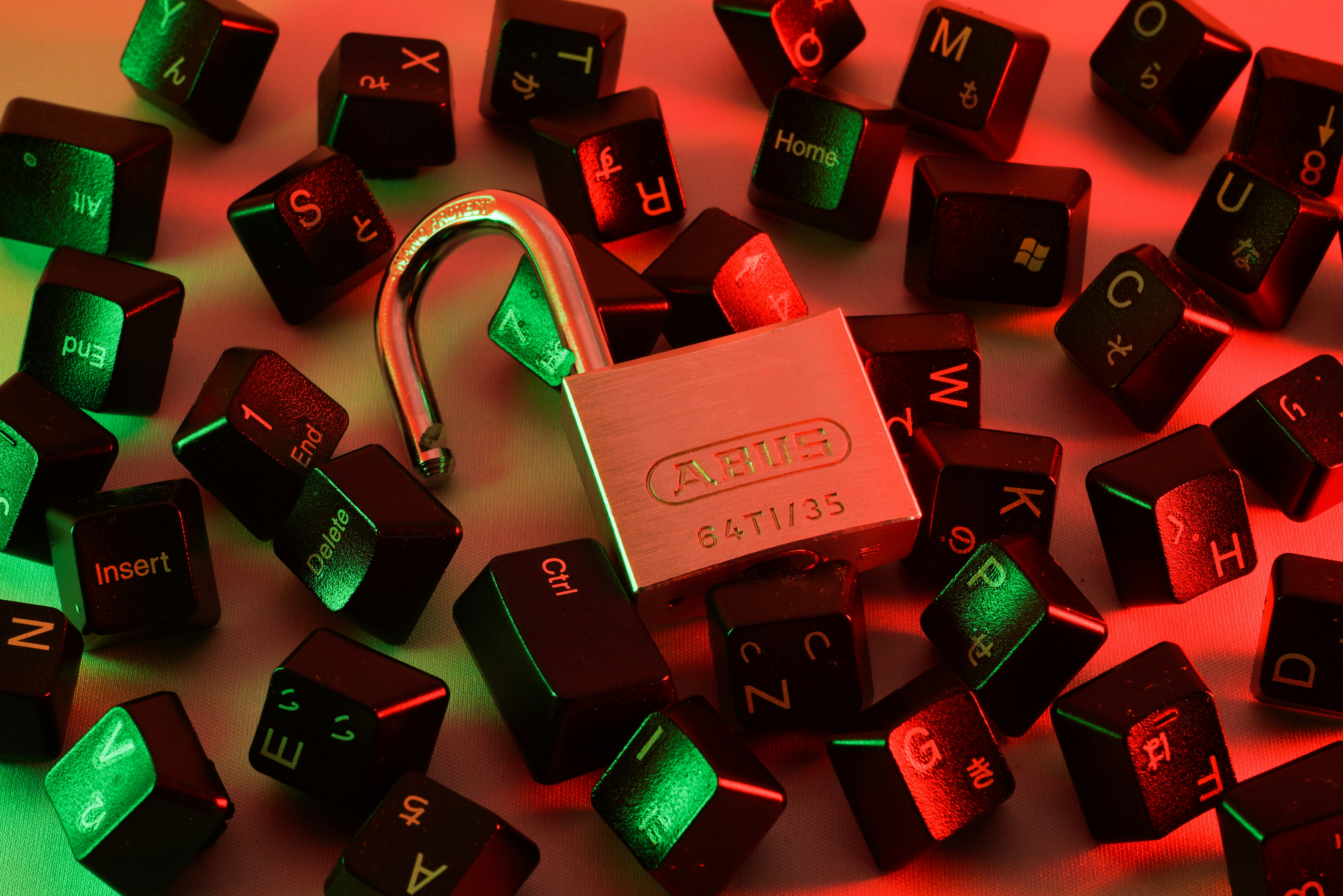
The one thing that’s changed in recent years is that it’s not about the hardware. Rather, it’s the information on the drive that’s most valuable to criminals. The best way to protect yourself is to make sure you protect your data every time you unplug your drive.
You can utilize a program that encrypts your drive for you, or purchase a hard drive that has encryption already built into it. No matter which direction you go, it’s vital to ensure you use a strong password to encrypt your device.
Use a Strong Password
How do you make a strong password for your encrypted drive secure? Here are a few guidelines for creating a solid one:
- Use a password that has at least 12 characters
- Include special characters (@,$,&), numbers and upper and lower case letters
- Use a secure password generator
- Avoid information easily found through social media or public information
- The more critical the information you’re trying to protect, the more complex your password should be
Note that these are just suggestions. Keep in mind that strong passwords will help prevent criminals from easily accessing your hard drive, but no password is full-proof. It’s also important to change passwords on a regular basis. The time frame is really up to you, but best practices suggest changing passwords every six weeks.
Encryption and strong password protection can help preserve the data you have stored on your hard drive, and prevent data breaches. That said, if someone really wants that data, there’s a good chance they’ll get it. To keep your data even more secure, you may want to avoid putting your most critical information on external hard drives. Instead, consider storing it on a computer that has strong firewalls, no access to the internet, and is in a room that is 100% protected from natural disasters. You can also develop a solid backup plan that covers all of those bases.
Develop a Disaster Recovery Plan
Best practices suggest creating a disaster recovery plan to ensure your data isn’t fully compromised or lost due to theft, natural disasters, and other unforeseen circumstances. In order to successfully recover your data in the event of a disaster, you should keep a backup copy of your data in a secondary location. Your data can be backed up on physical media and stored in a media vault or on a cloud storage server.
A good backup strategy will save the work that you have stored and the information that your business has collected on your external drive. In reality, you should have multiple, redundant backups in place so that, if one of them is damaged or stolen, you won’t lose your important data.
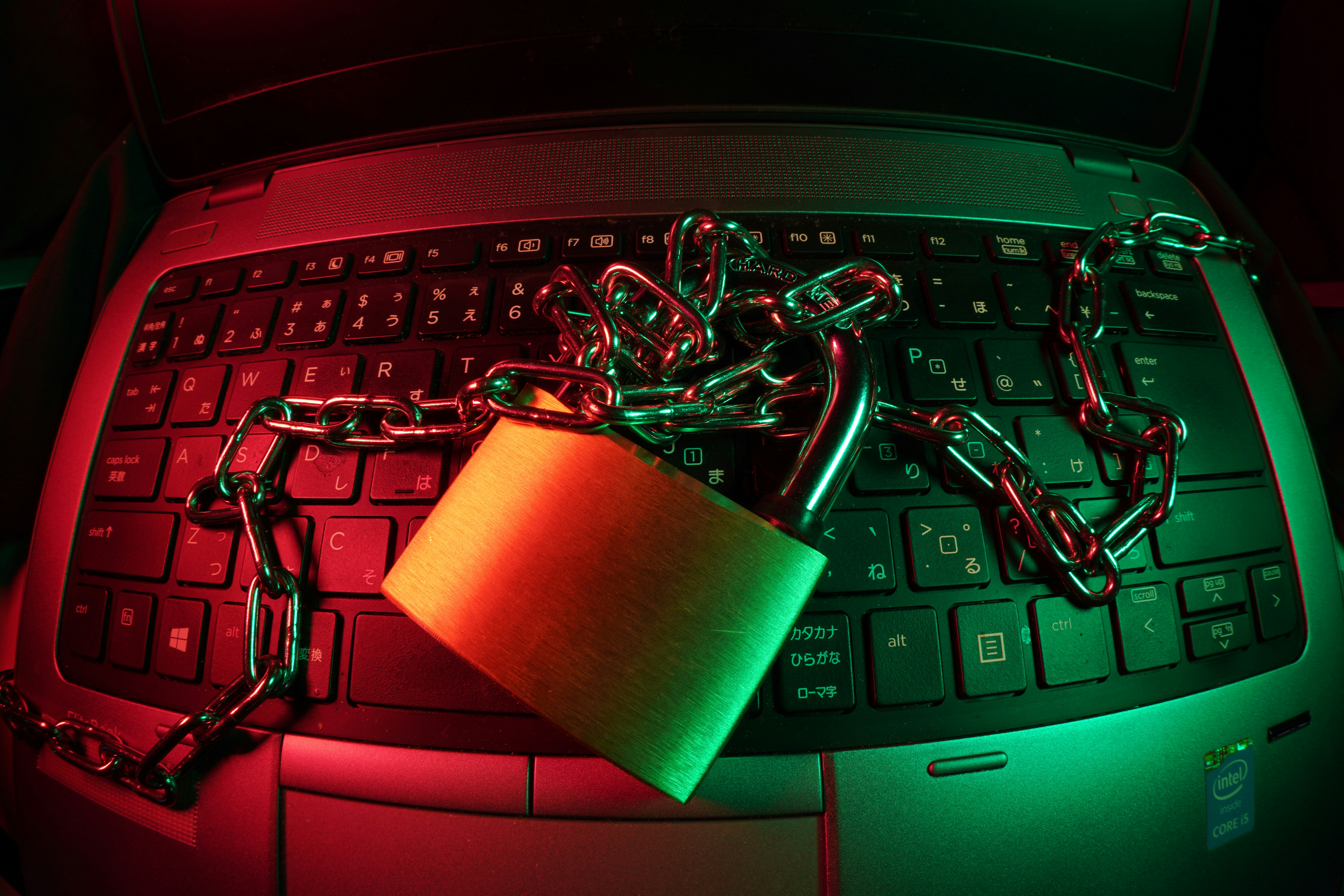
Any of these systems can help protect you and your business from losing hours or days of work on a project. It is important to carefully choose a backup service and storage provider that can help you do this successfully.
Protect Your Data With Record Nations
As the digital landscape continues to evolve, it’s important to maintain a high level of security for your data and the devices it’s stored on. Allowing your information to be disorganized, unprotected, and vulnerable to criminals and disasters can lead to catastrophic results for your business. However, the right document management partner can help you plan for the worst-case scenario with encryption and other risk prevention strategies.
Record Nations partners with certified document management professionals who understand the risks around data security. Through comprehensive solutions like document scanning, secure storage, and compliant destruction, our nationwide network of providers use the most up-to-date technologies to help you better protect your data.
Whether you’re operating in Houston, Fargo, or somewhere in between, we’re ready to support your business. Call us today at (866) 385-3706 or fill out the form on the right, and we’ll connect you with local providers who offer free, no-obligation quotes. Don’t wait until it’s too late — find out how easy it is to get your records management on the right track.